
Types
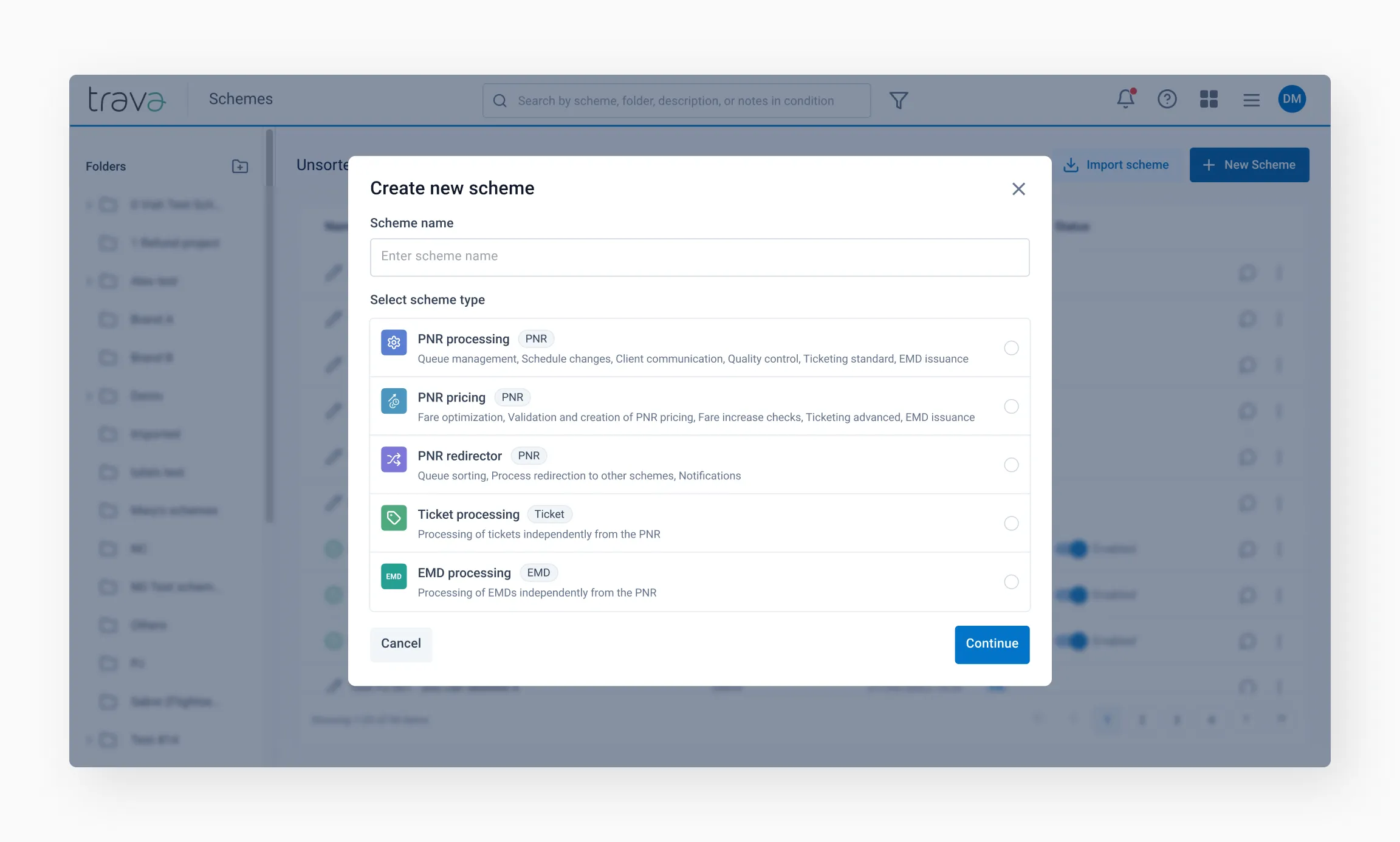
Before you move on to creating a scheme, it's important to select the right type for your needs. Let's take a look at the various scheme types and their individual characteristics.
How to choose the right scheme type
The schema type determines its functionality, the objects it works with — PNRs, tickets, or EMDs — and the elements available for building the schema.
The objects of processing
Most processing is based on the PNR, which may include Tickets and EMDs.
Tickets and EMDs can also be processed separately, without loading the full PNR. The schema type determines the object to be processed and the elements available for building the schema.
Scheme types by their purposes
Analyze the process you want to automate. Clearly define the tasks and objects to be processed — the entire PNR, or a ticket or EMD processed separately by its number.
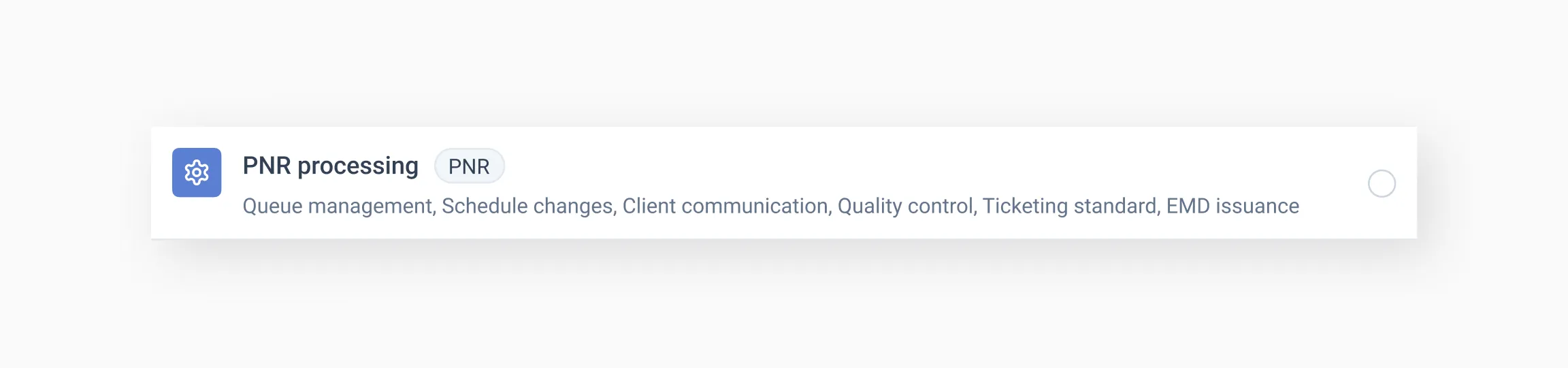
PNR processing
PNR processing schemas are primarily used for queue management, handling schedule changes, client communication, and other non-calculation processes.
Available capabilities:
- Adding, deleting, and reading FOP and various remarks (SSR, OSI, RM) in PNRs;
- Issuing, revalidating, fully refunding, and canceling tickets;
- Canceling bookings;
- Placing and removing PNRs from the queue;
- Sending notifications via email and HTTP;
- Configuring interactions with other schemes;
- Adding and removing tags;
- Canceling EMD;
- Refunding EMD (only for
1Aand1S); - Restoring segments (only for
1Sand1G); - Integration with virtual cards;
- Voluntary ticket refund – reading category 16 (only for
1Aand1S).
Processed PNR data will be stored on the Reservation Processing page.
PNR pricing
The main purpose of this scheme is to optimize fares — searching for and rebooking to lower fares — as well as issuing tickets.

Upon receiving a PNR for processing, the system performs an extensive analysis at the Start step: checking the status of segments, fares, and other parameters.
The capabilities largely repeat those of PNR processing schemes. They also include:
- Advanced configuration of the Start for PNR assessment;
- Searching for the lowest fare on booked segments;
- Forecasting ticket prices for the next day;
- Processing different fare types and baggage conditions.
Limitations:
PNR pricing schemas have the following limitations:
- Segment recovery is limited to the Start step and is available only for
1Sand1G; - PNRs with schedule changes cannot be processed;
- PNRs without flight segments cannot be processed, for example, bookings containing only hotel or car segments.
Tip
We recommend using only one PNR pricing schema per office or group of offices. Processing the same PNR in multiple PNR pricing schemas simultaneously may cause errors.Processed PNR data will be stored on the Reservation Processing page.
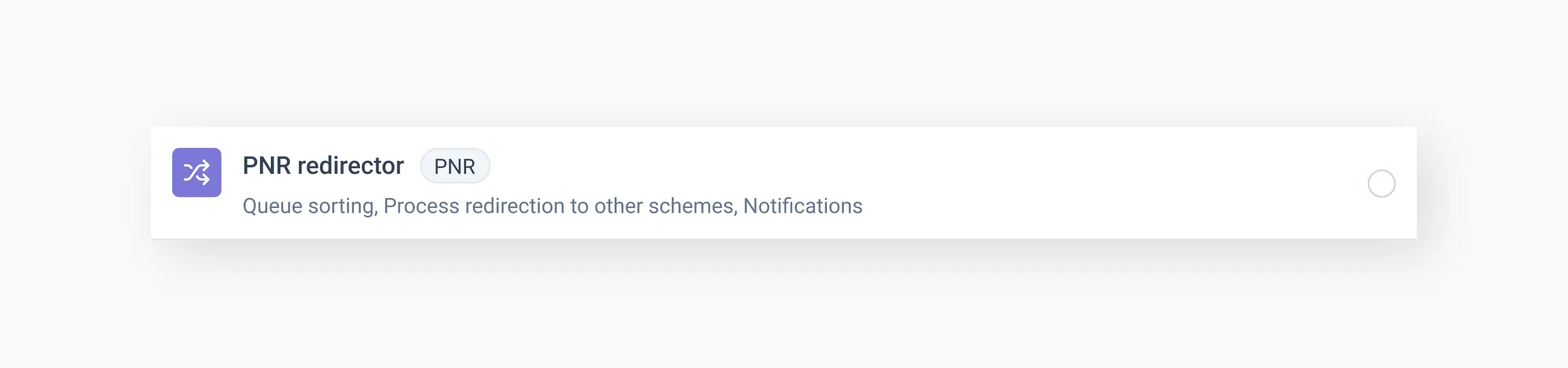
PNR redirector
PNR redirector processes PNRs received from GDS queues or other schemas and redirects them to other schemas based on defined conditions and PNR parameters.
It can also process Group PNRs and perform operations on them within the functionality available for this schema type.
Available capabilities:
- Reading PNR;
- Cancelling PNR;
- Adding and removing remarks;
- Working with queues (putting in / removing from the queue);
- Adding and removing tags;
- Redirecting PNR to another scheme;
- Stopping the processing of PNR by another scheme;
- Sending notifications via email and HTTP.
Processed PNR data will be stored on the Reservation Processing page.
Ticket processing
These schemes are used to process tickets, including automated refunds. The primary object of processing is the ticket itself.

Available capabilities:
- Reading the ticket;
- Canceling the ticket;
- Reading the refund rules for the ticket;
- Tracking itinerary changes based on specified parameters;
- Processing a refund for the ticket;
- Refunding airport fees associated with the ticket;
- Adding and removing tags;
- Processing / checking the handling of the ticket by another system;
- Sending notifications via email and HTTP.
Tip
Schemes of this type can operate with or without PNR loading. The listed capabilities apply to cases where the TKT is processed without PNR loading.Processed ticket data will be stored on the Document Processing page.
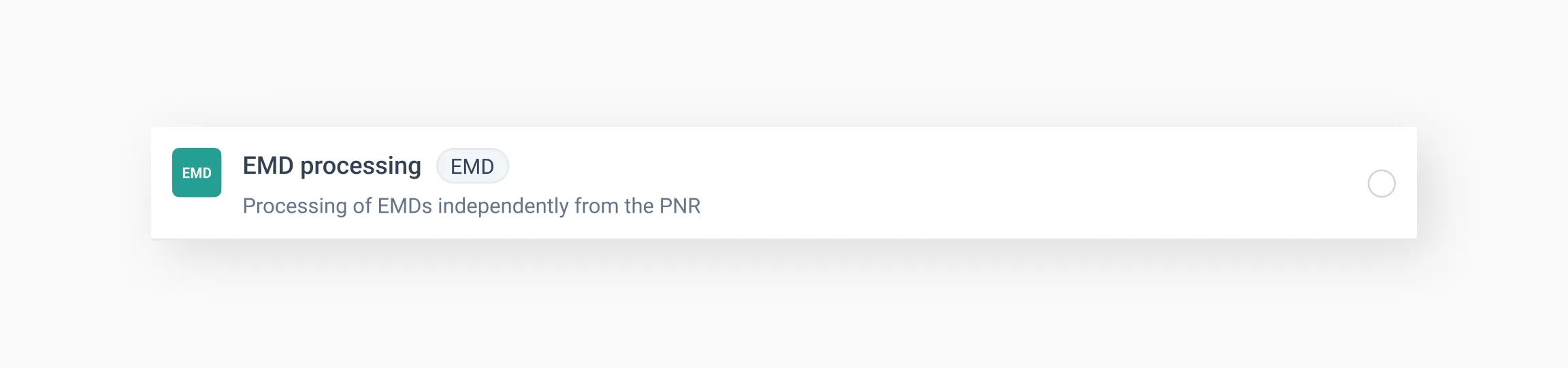
EMD processing
For this type of scheme, the EMD is the primary object of processing. The EMD number is required.
Available capabilities:
- Reading EMD
- Adding and removing tags
- Redirecting to another scheme
- Sending notifications via email and HTTP
- Processing full EMD refunds (only for
1A)
Processed EMD data will be stored on the Document Processing page.
Tip
Schemes of this type can operate with or without PNR loading. The listed capabilities apply to cases where the EMD is processed without PNR loading.Choosing the scheme type
Click New Scheme on the Schemes page. A dialog window will open, prompting you to choose the type of scheme.

Warning
Once the type of scheme is selected, it cannot be changed.When you're done choosing the scheme type, proceed to configuring its Properties.